Loading...
 FormatFactory - Media Converter on Linux
Fast batch converter for video, audio and image files
Supported OS:
Linux
Screenshots
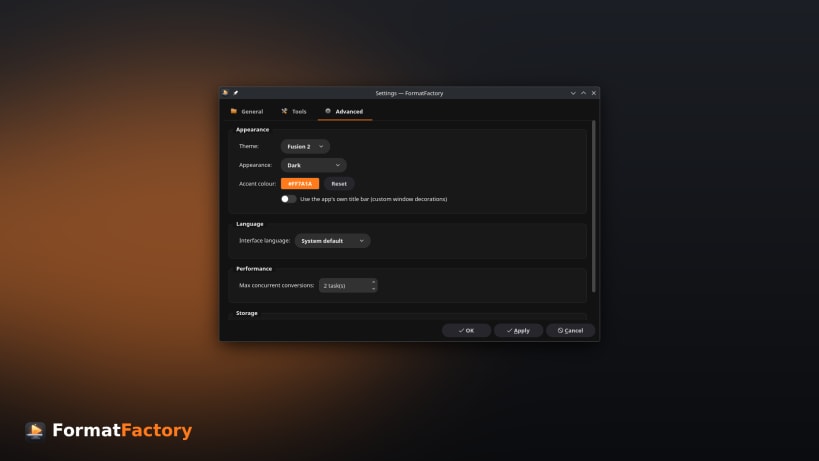
Description
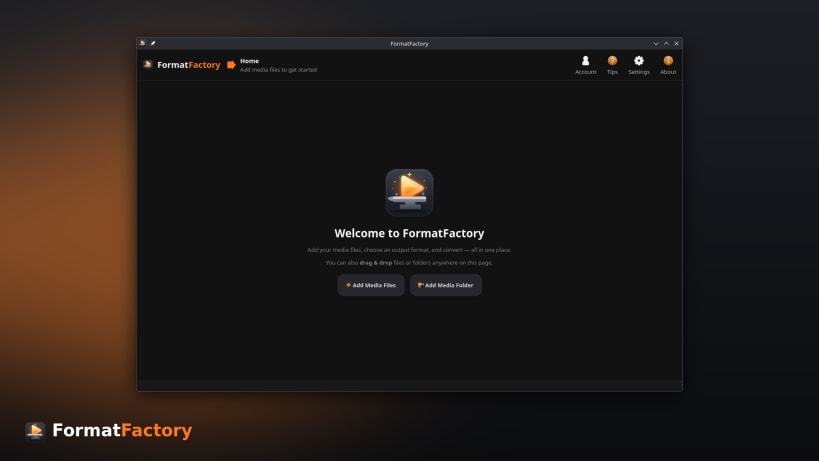
FormatFactory is a fast and powerful media converter for Linux. Convert video, audio, and image files individually or in large batches using an intuitive desktop interface.
Supported Formats
- Video: MP4, MKV, WebM, MOV, AVI and more
- Audio: MP3, FLAC, AAC, WAV, OGG and more
- Images: PNG, JPEG, WebP and more
Features
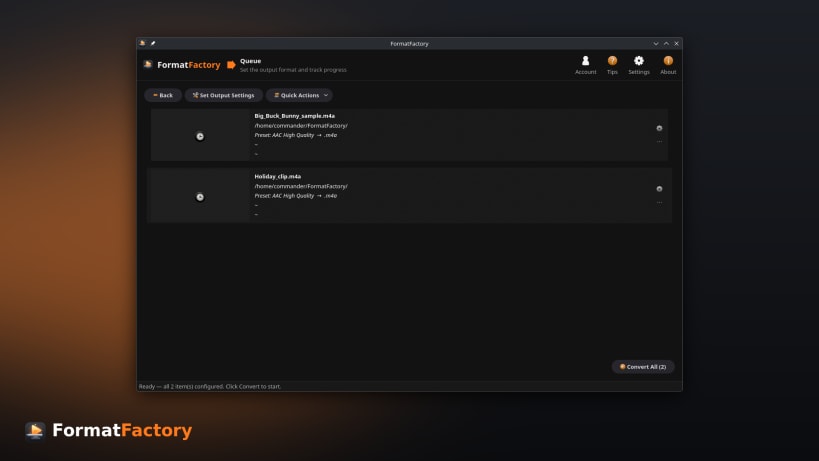
- Batch conversion queue with live progress, ETA, and estimated output size
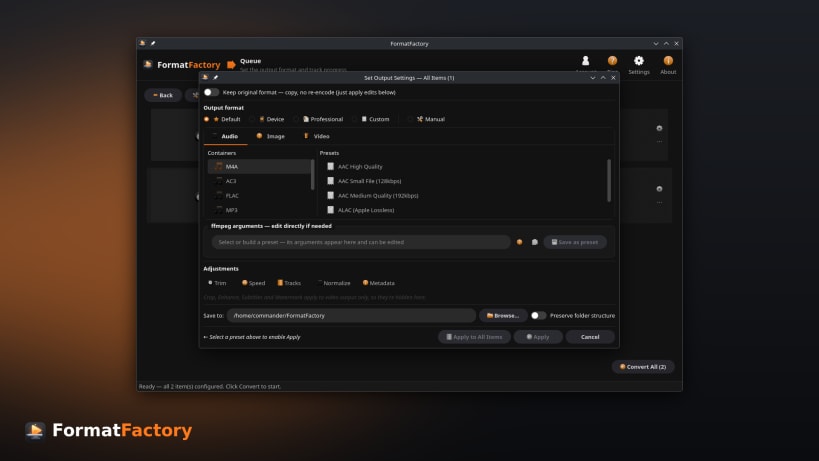
- Ready-to-use presets for common devices, sites, and workflows
- Custom conversion profile builder for full control over the command
- Convert hundreds of files in a single operation
- Per-file editing — trim with preview, crop, rotate, flip, and track selection
- Enhance video — deinterlace, denoise, sharpen, and adjust brightness, contrast, saturation, and gamma with a live before/after preview
- Subtitles — burn into videos or add as soft subtitle tracks
- External audio tracks — add or replace the audio, with language tags
- Audio loudness normalization for consistent playback volume
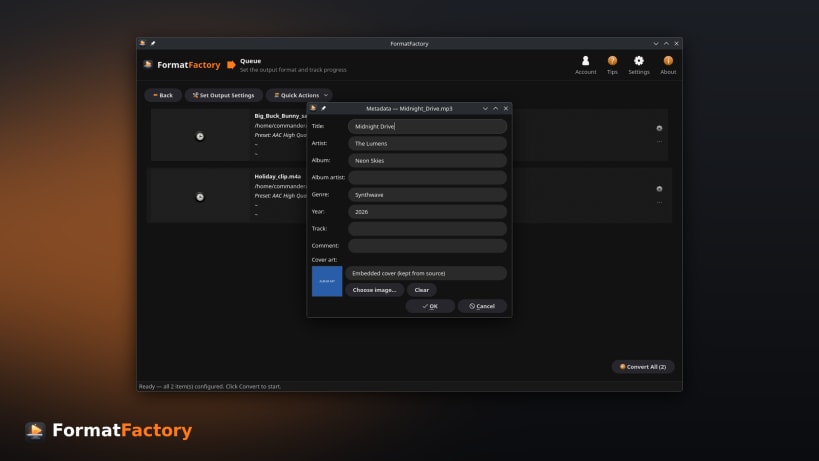
- Metadata & cover art — edit tags and artwork while preserving embedded covers
- Watermarks & logos with adjustable position, size, and opacity
- One-click quick actions — extract audio, extract subtitles, grab a poster frame, create GIFs or animated WebP, remove audio, change container, adjust volume, and strip metadata
- Target file-size compression to hit a size budget
- Hardware-accelerated encoding for faster conversions
- Flexible output — directories and filename templates
Whether you need to convert a single file or process an entire media library, FormatFactory provides the tools to get the job done quickly and efficiently.
Announcements
You might also be interested in

WonderWall - UHD Wallpapers Store
Freemium
Powerful Desktop Wallpaper manager for Linux Desktop
Linux

Playlist-Dl - Download & Play Playlists
Freemium
YouTube and SoundCloud playlist downloader, MP3 or video
Linux

ColorSmith - Modern Color Picker
Freeware
Professional color picker, gradient maker, and palette manager
Linux

Red - Youtube Desktop Application
Freemium
Secure Youtube Player and Downloader
Linux