 Whatsie - Feature rich WhatsApp Client for Desktop
Feature rich WhatsApp Client for Linux Desktop
Screenshots
Description
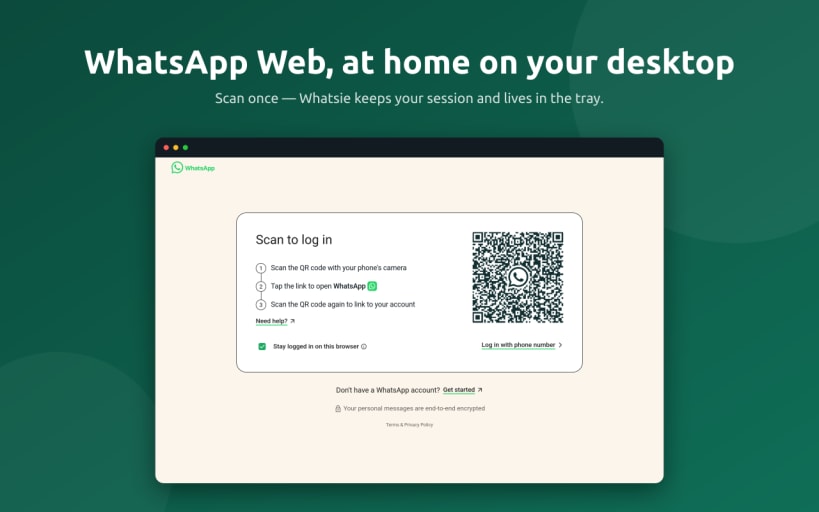
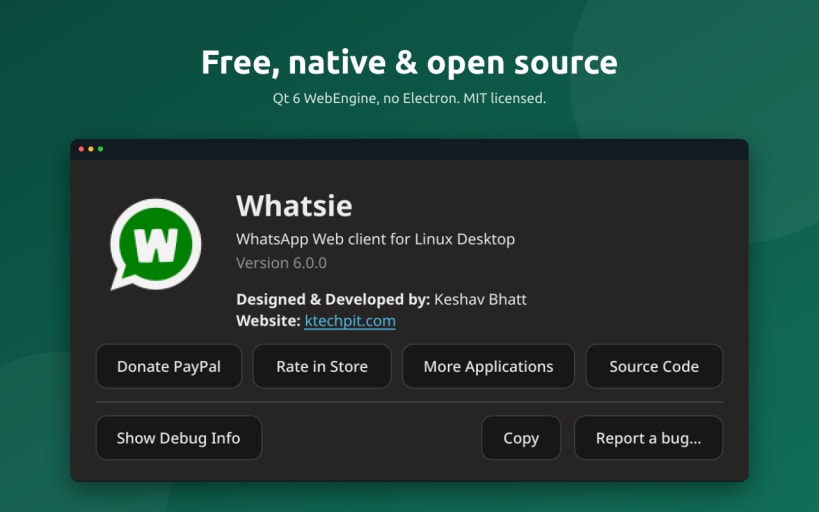
Whatsie is a feature-rich WhatsApp Web client for Linux, built with Qt 6 and QtWebEngine. It brings WhatsApp Web out of the browser tab and into a dedicated native desktop application with system integration, privacy controls, and customization options.
Features
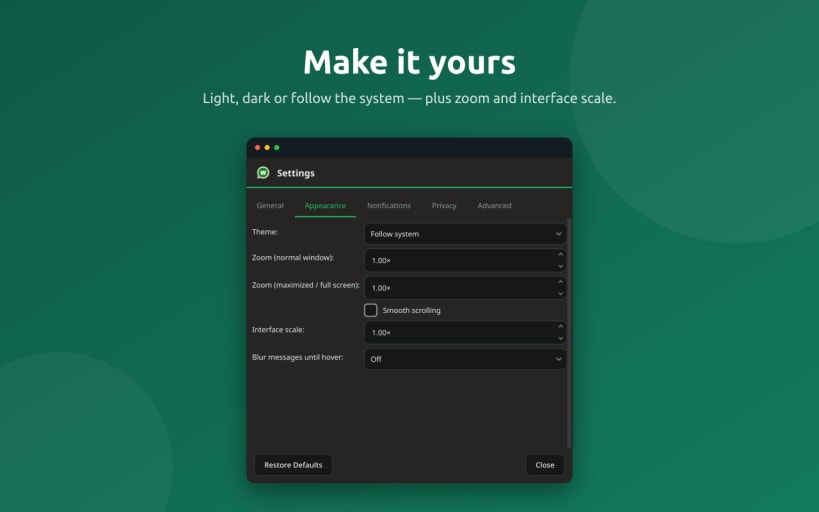
- Light, dark, and system themes that stay in sync with WhatsApp Web
- Native desktop notifications with contact avatars
- System tray integration with unread message badge, mute, and Do Not Disturb
- Voice and video calls, including screen sharing on Wayland
- Built-in download manager with download history
- Drag-and-drop and paste support for attachments
- Built-in spell checking with support for multiple languages
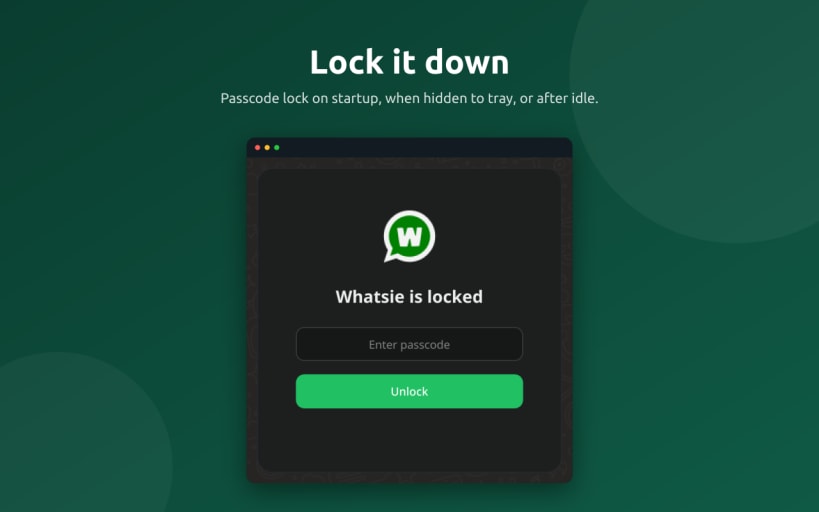
- App lock with a passcode and configurable automatic locking
- Privacy blur to hide message text and media until you hover over them
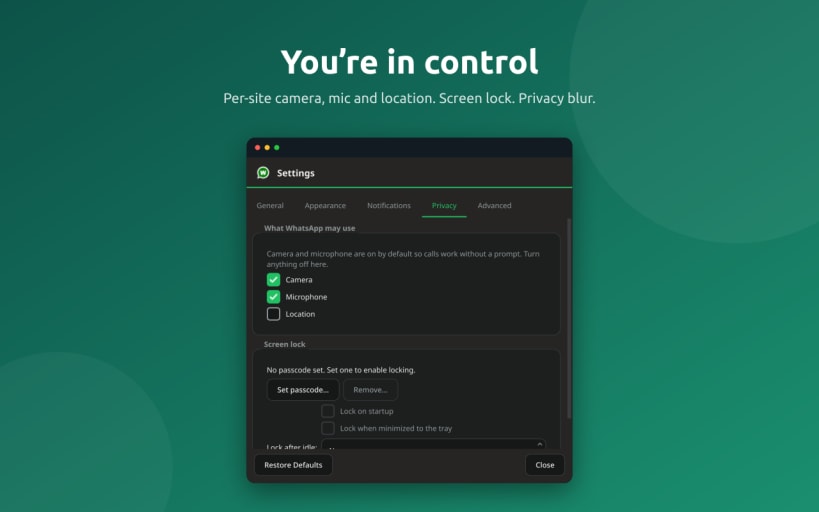
- Per-site permissions for camera, microphone, and location
- HTTP and SOCKS5 proxy support with authentication
- Autostart at login and optional start-minimized-to-tray
- Multiple WhatsApp accounts using separate profiles
- Zoom and interface scaling controls
- Keyboard shortcuts for common actions
- Bug reporting with diagnostic information while keeping your messages private
Privacy and Security
Whatsie provides additional controls around your WhatsApp Web session, including an optional passcode-protected app lock, privacy blur, and per-site permissions for sensitive hardware and location access.
Whatsie is an independent, open-source client for WhatsApp Web and is not affiliated with, endorsed by, or sponsored by WhatsApp or Meta.
Open Source
Whatsie is free and open source software released under the MIT License.
You might also be interested in