Loading...
 TypingTutor - Touch typing tutor & typing speed
Typing Practice, Tests & Typing Tutor Software for Linux
Supported OS:
Linux
Screenshots
Description
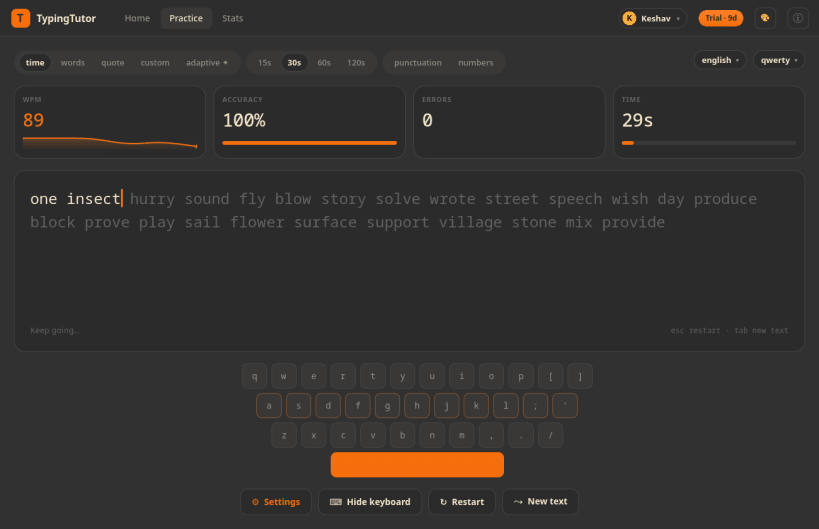
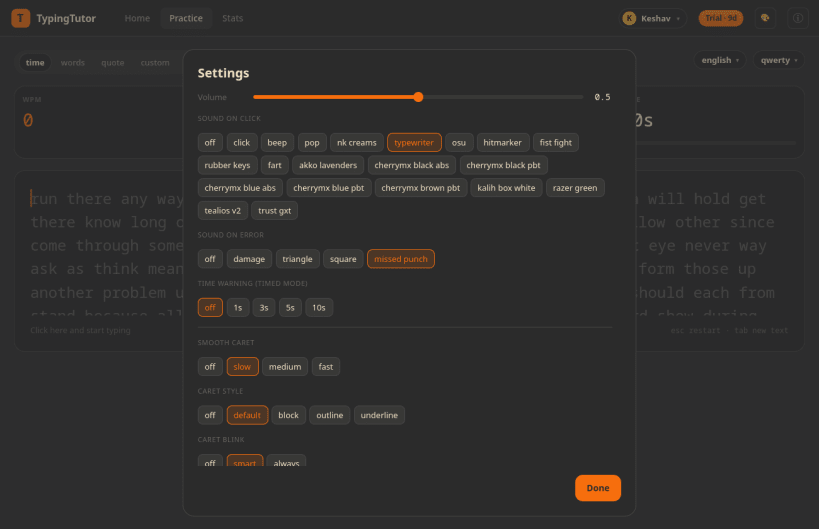
TypingTutor is a touch typing tutor and typing speed test for the Linux desktop. Learn touch typing from scratch, or train an existing skill with adaptive drills that target your weakest keys, and watch your words per minute (WPM) and accuracy climb.
Practise in words, timed, quote and custom text modes across 265 languages and 200 keyboard layouts, then see exactly where your fingers slow down. Think of it as an offline typing trainer in the spirit of Monkeytype and keybr: no account, no browser, no distractions.
- Typing test modes: words, timed, quote and custom text
- Live WPM and accuracy with a smooth animated caret
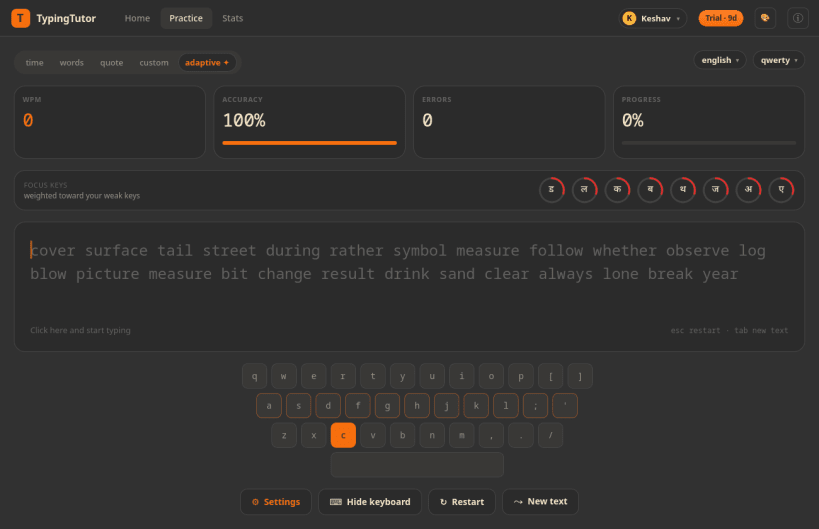
- Adaptive weak-key drills: lessons that retrain your slowest and least accurate keys
- Finger guidance: colour-coded finger zones and next-key hints on the on-screen keyboard
- 265 languages and 200 keyboard layouts, including Hindi, Arabic and other complex scripts
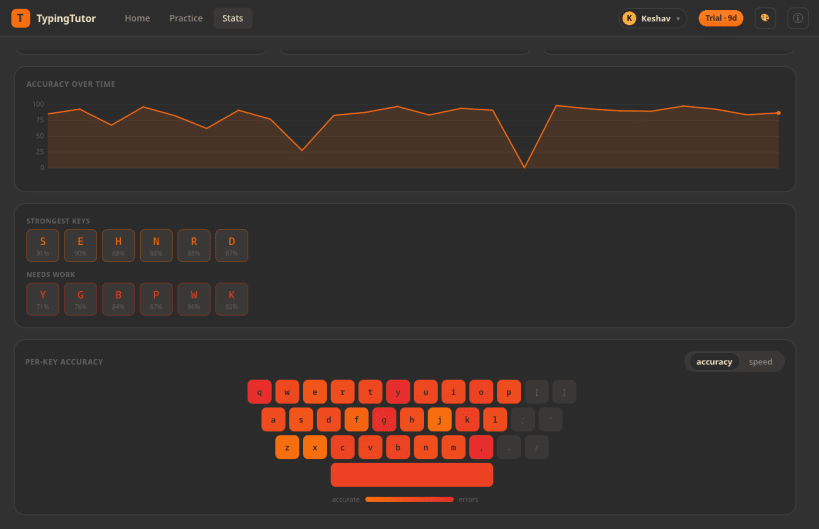
- Per-key heatmap that highlights your weakest keys
- Speed and accuracy history graphs to track your progress
- Crisp, low-latency key-press sounds you can turn on or off
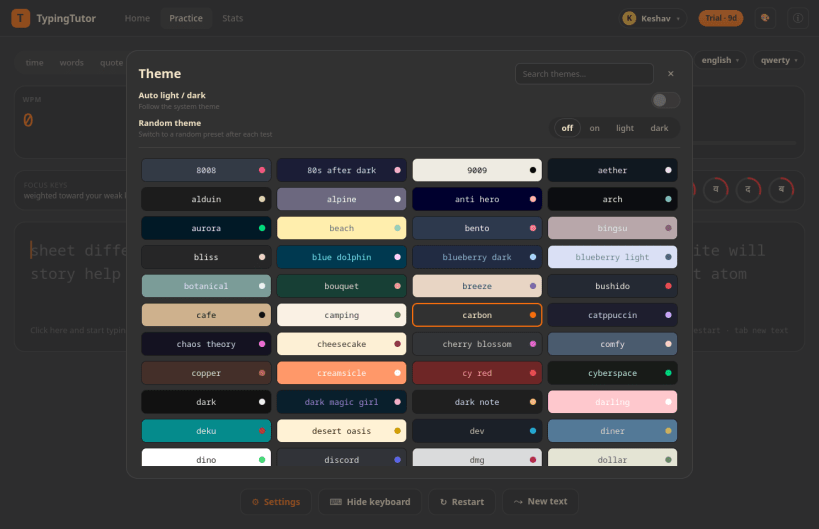
- 189 colour themes (including Ubuntu Yaru) with automatic and random switching
- Distraction-free focus mode that fades the interface while you type
- Multiple user profiles and advanced analytics with CSV export
- Interface in English, German, Spanish, French, Italian and Brazilian Portuguese
Announcements
You might also be interested in

ArrowEscape - Remove the Arrows
Freemium
A Calm Arrow-Untangling Puzzle for Linux
Linux

Whatsie - Feature rich WhatsApp Client for Desktop
Freeware
Feature rich WhatsApp Client for Linux Desktop
Linux
Windows

Plumber - Media trimmer
Freeware
Media trimmer/downloader for Linux Desktop
Linux

Utube - Secure Youtube App for Linux
Freemium
Play/Save Media from Youtube securely
Linux